Editing Populated Invoice Information
Last updated: December 24, 2025
This guide provides a walkthrough on editing invoice information.
Step 1: Locate the invoice details on the left side of the screen. Select the information that needs editing.
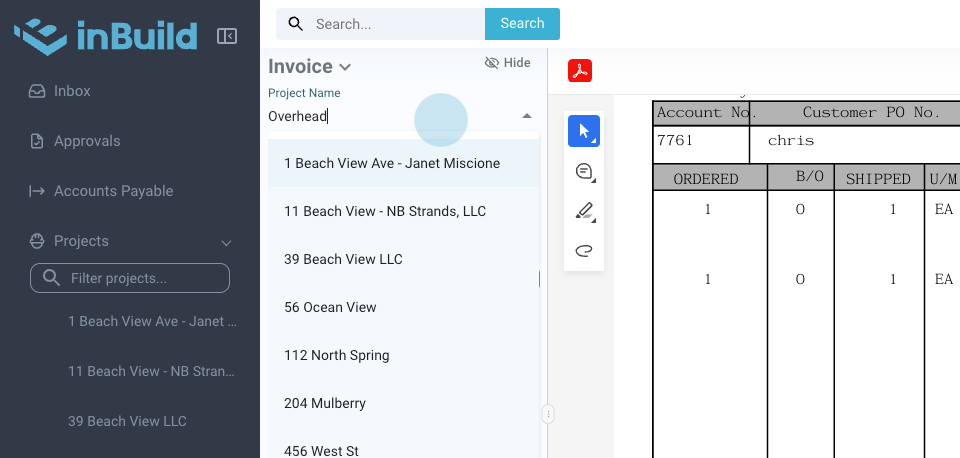
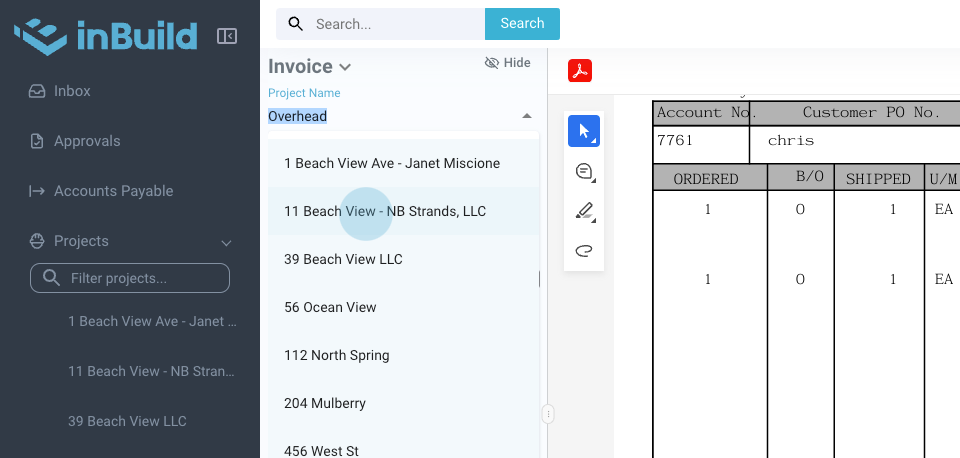
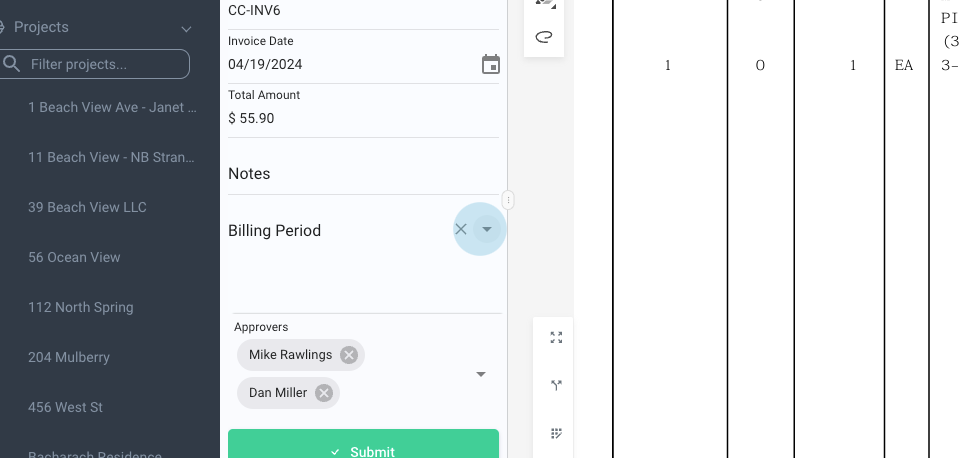
Step 2: Add or modify billing periods and adjust the amount as necessary.
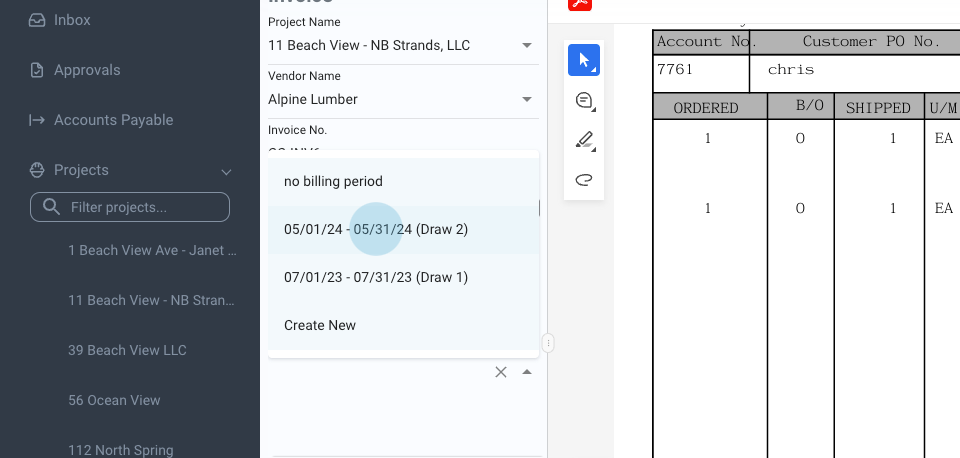
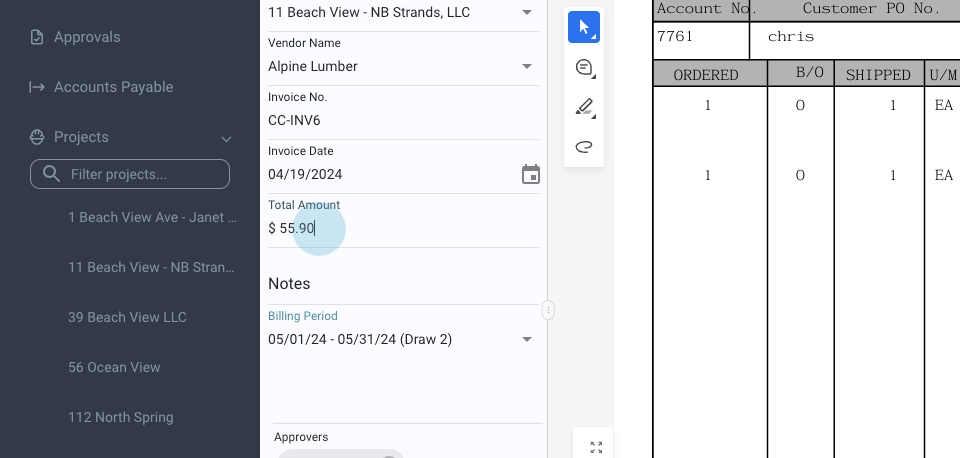
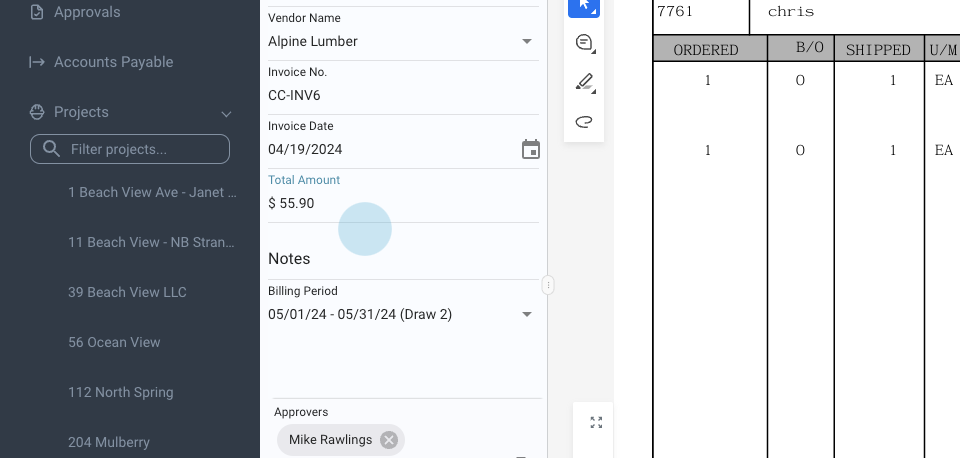
Note: The system should auto-populate all of the information.
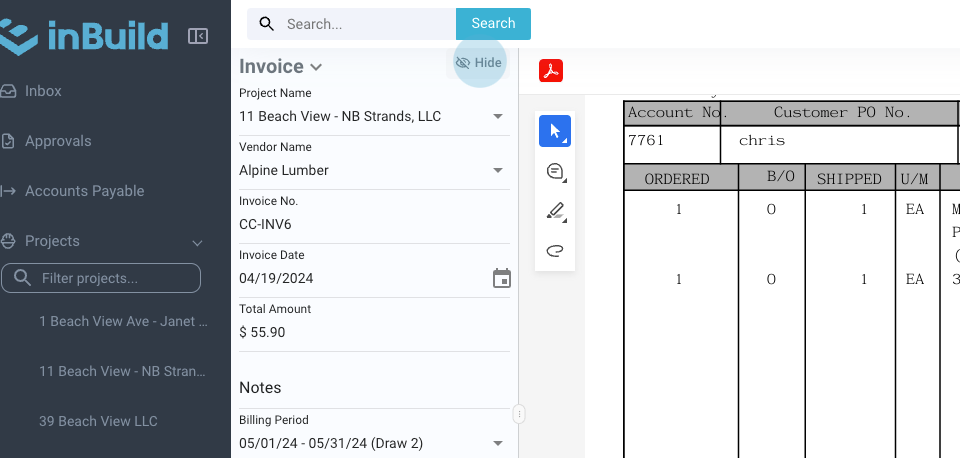
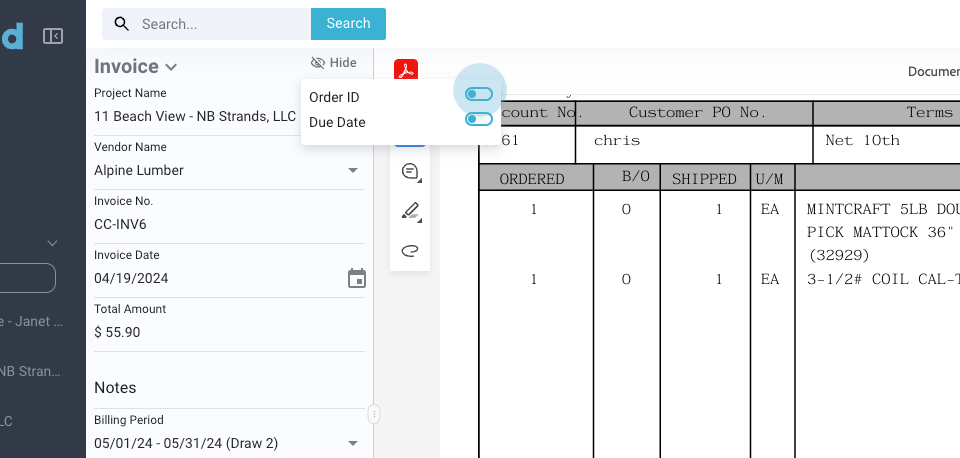
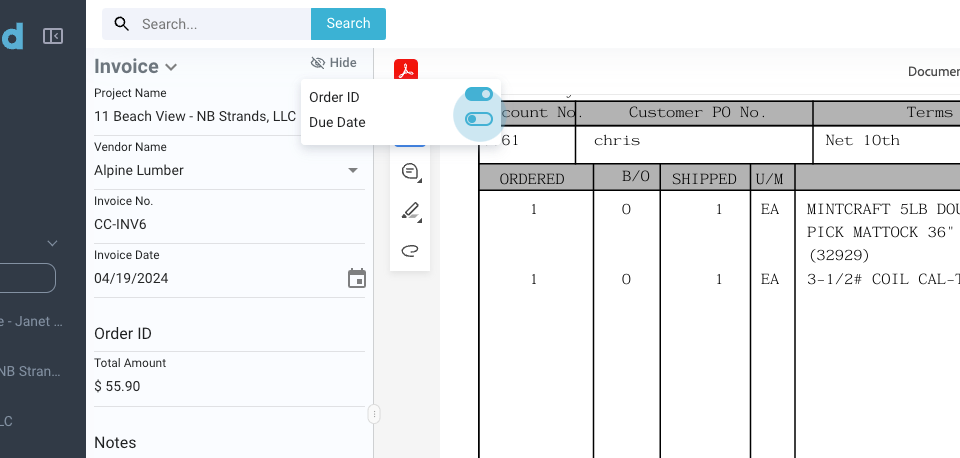
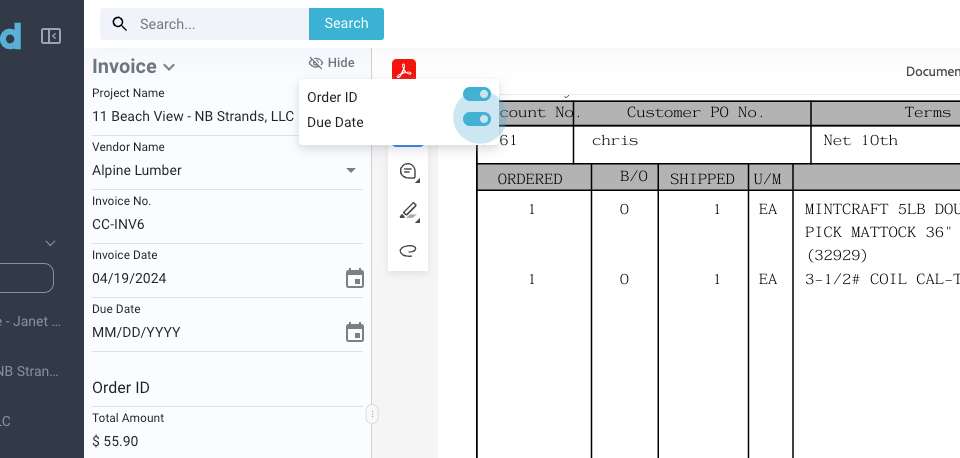
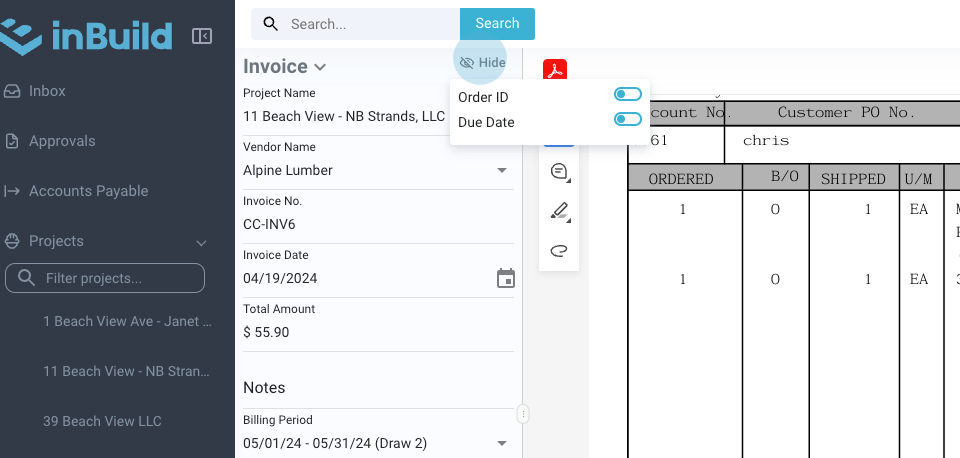
Step 3: Optionally, add an order ID and due date.
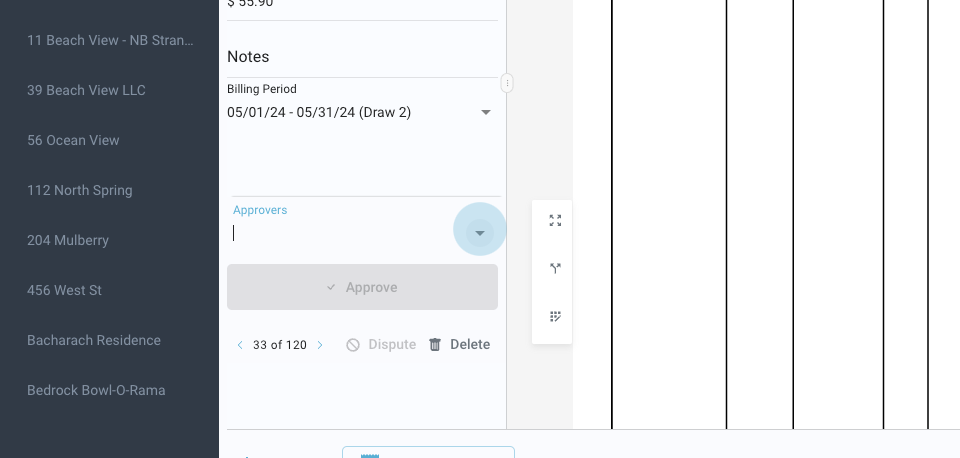
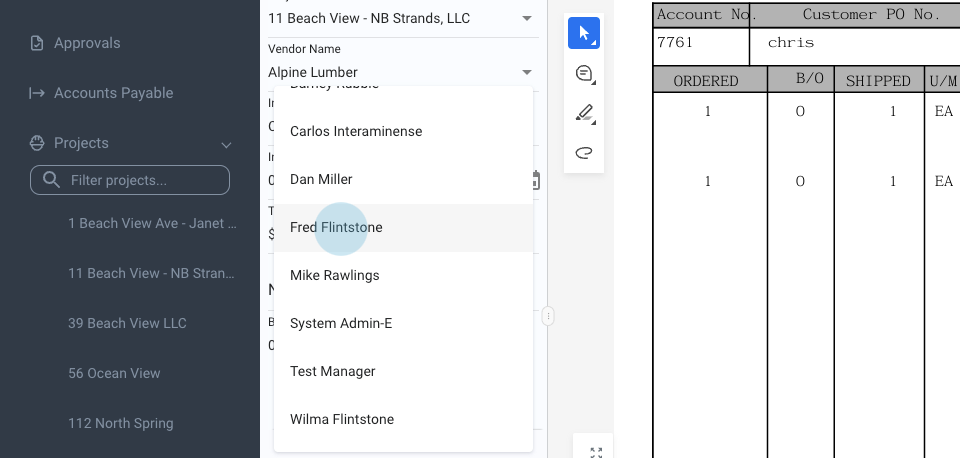
Step 4: Manage the list of approvers. Add or remove approvers as needed.
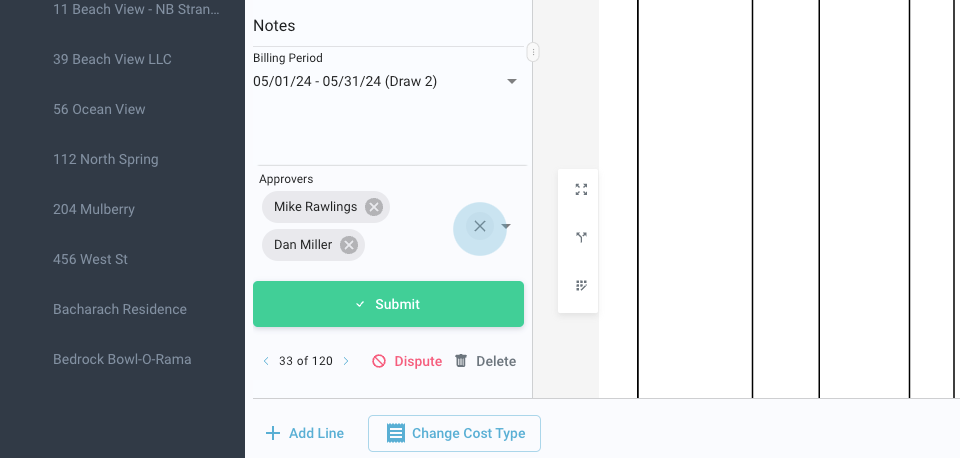
Step 5: Click submit to send the edited invoice.
This concludes the guide on editing invoice information.