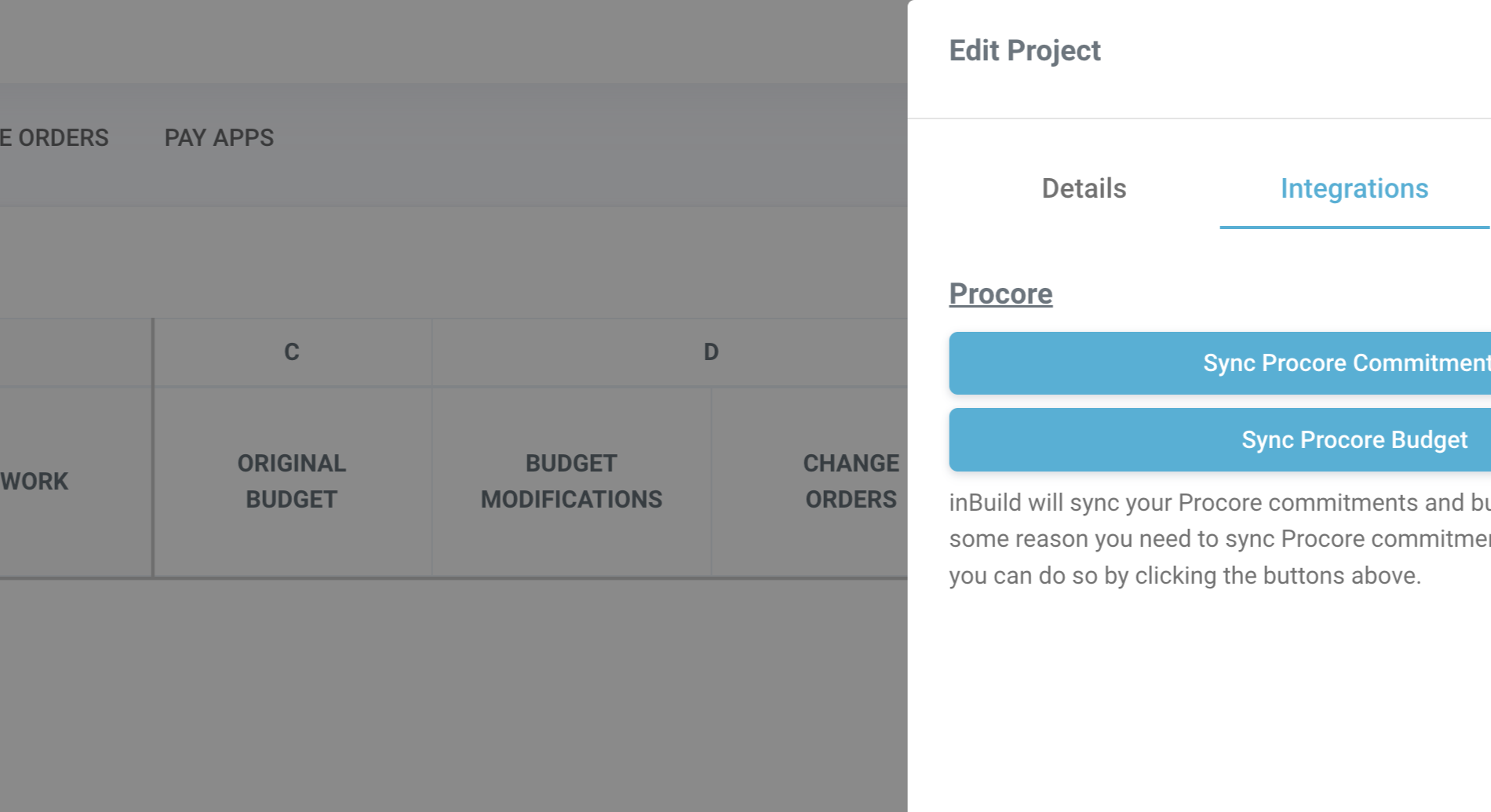
Sync Budgets from Procore
Last updated: December 24, 2025
This guide explains how to sync a project's budget from Procore to InBuild.
Step 1: Open the desired project within InBuild.
Step 2: Click on the gear icon to access the project settings.
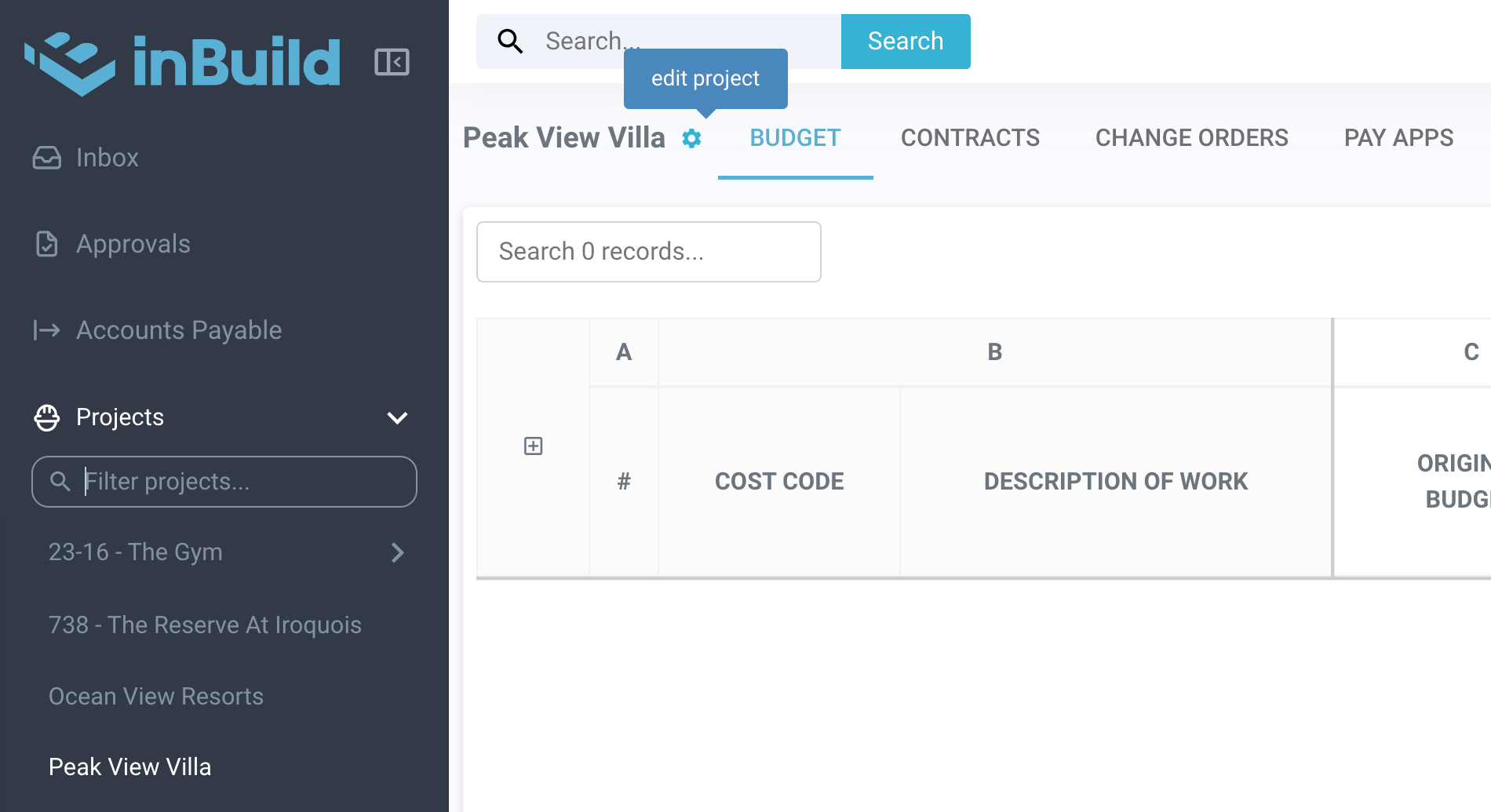
Step 3: Select edit project.
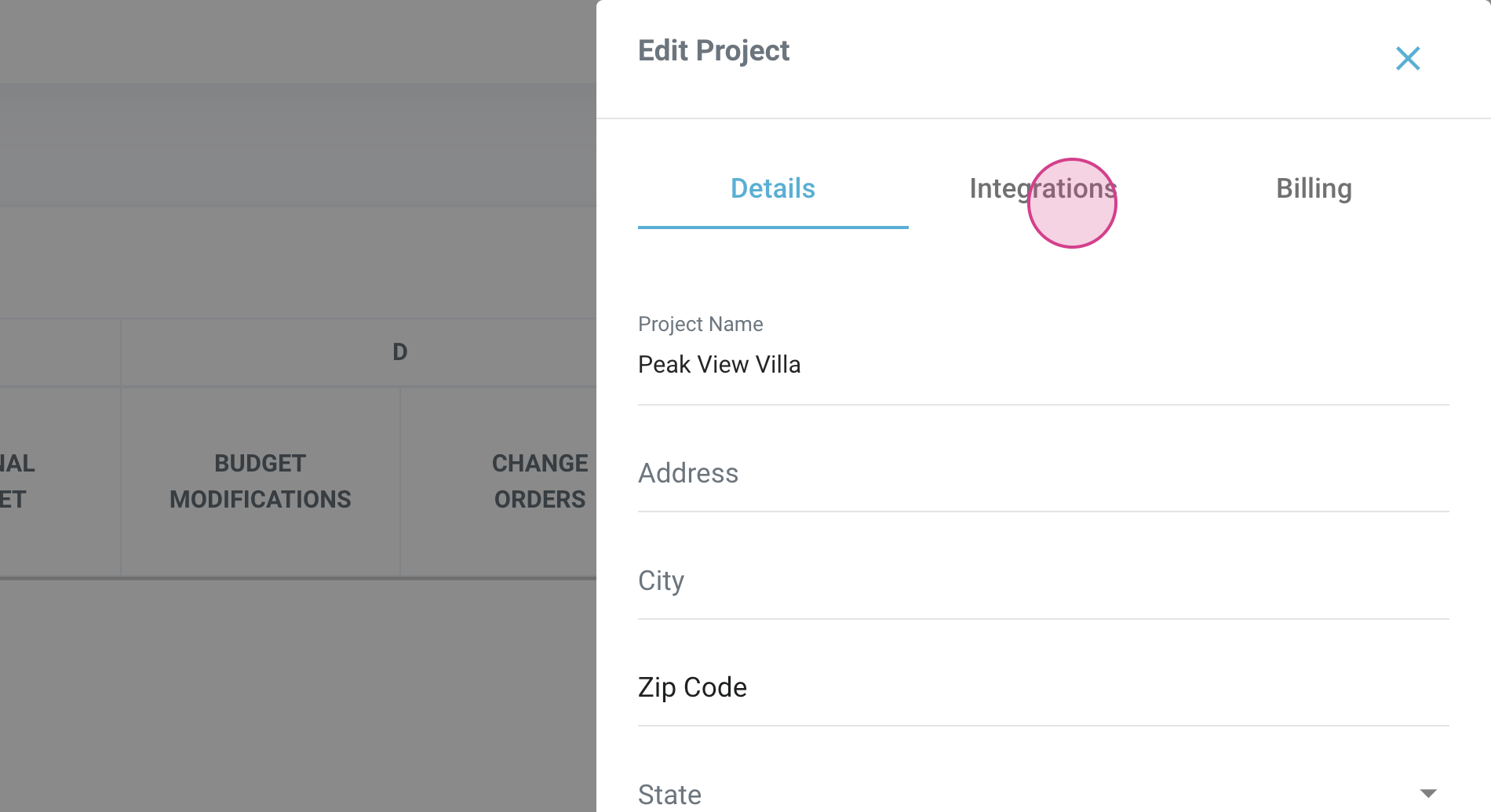
Step 4: Under the integrations section, click on Sync Procore Budget.
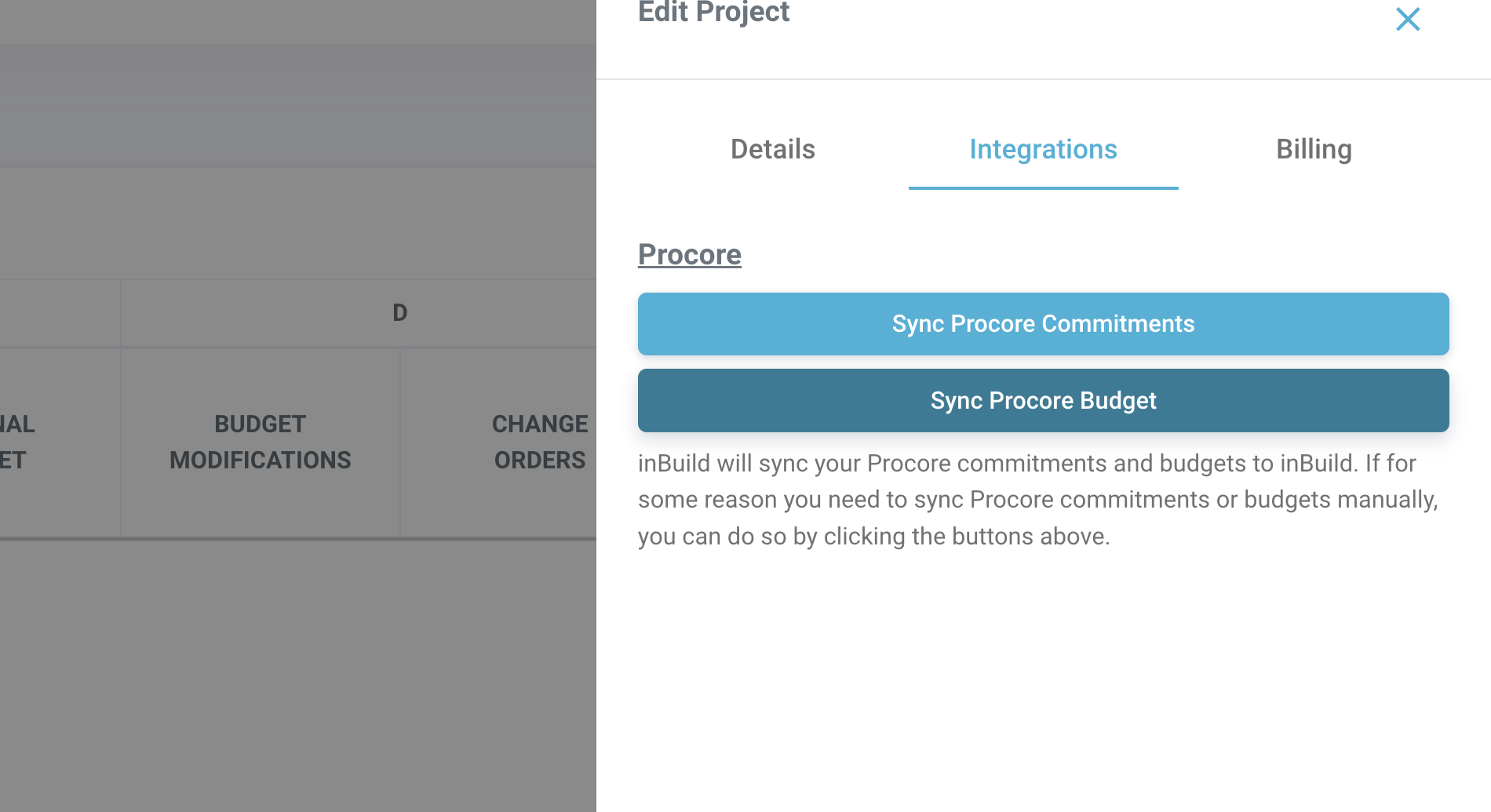
Step 5: After the sync, refresh the page.