Finding Invoices in Accounts Payable
Last updated: December 24, 2025
Discover how to locate an invoice in the accounts payable tab.
Steps:
Step 1: Begin in the accounts payable tab. Search for invoices either by All Invoices, Project or Vendor.
Step 2: Rearrange the selection according to preference. The default selection is already set.
Step 3: In the 'All Invoices' section, use the filter system.
Step 4: Notice that the archives are hidden. Remove the archive hidden feature to view all invoices.
Step 5: Select the status to view approved invoices.
Step 6: Now, view all the approved invoices.
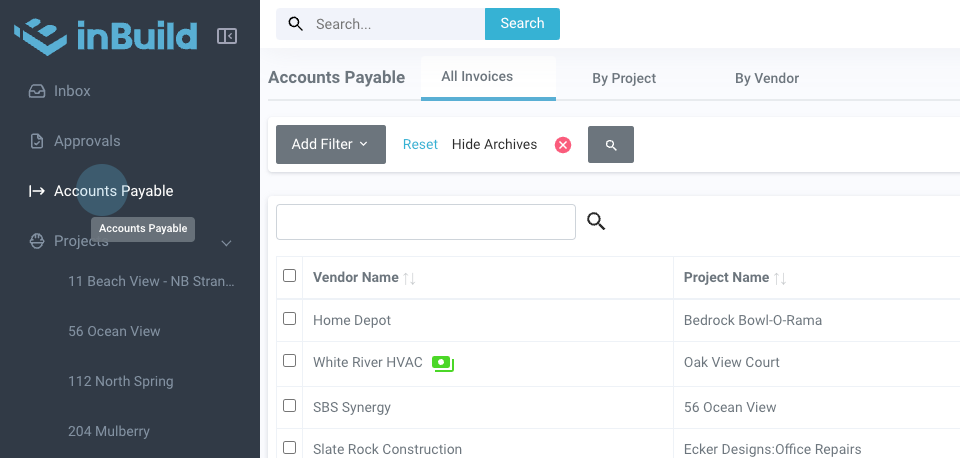
Step 1: Begin in the accounts payable tab. Search for invoices either by All Invoices, Project or Vendor.
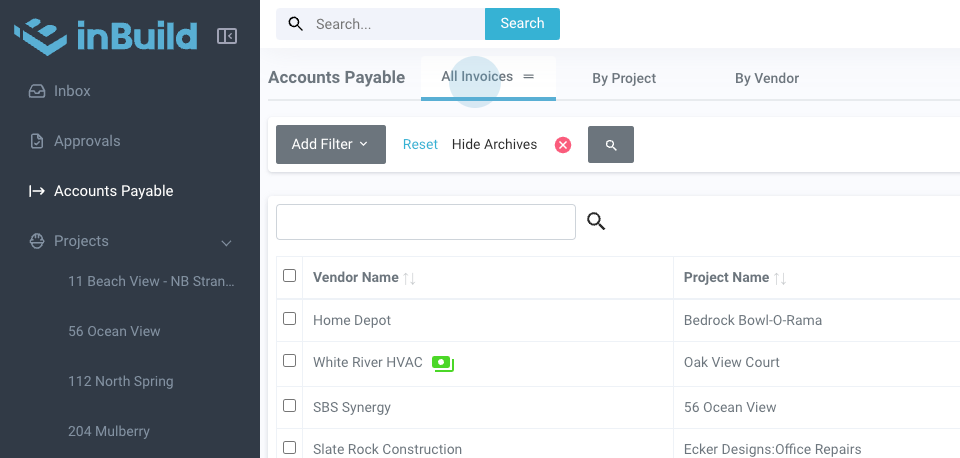
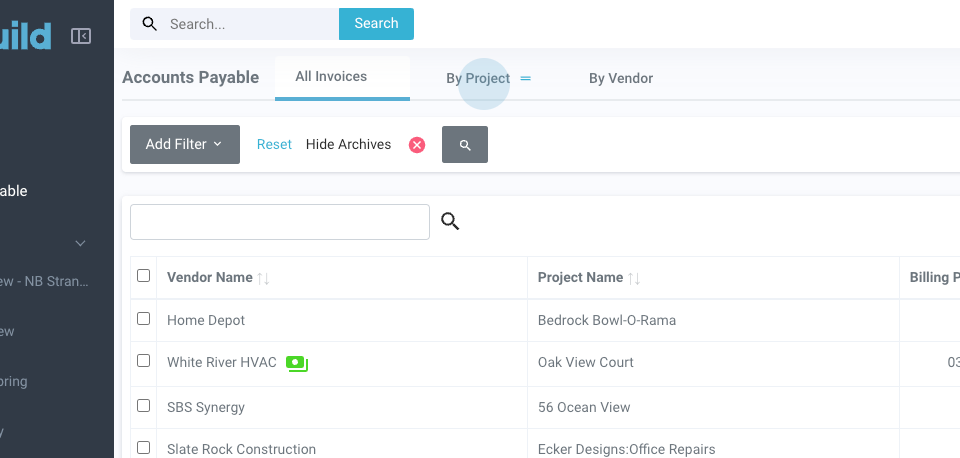
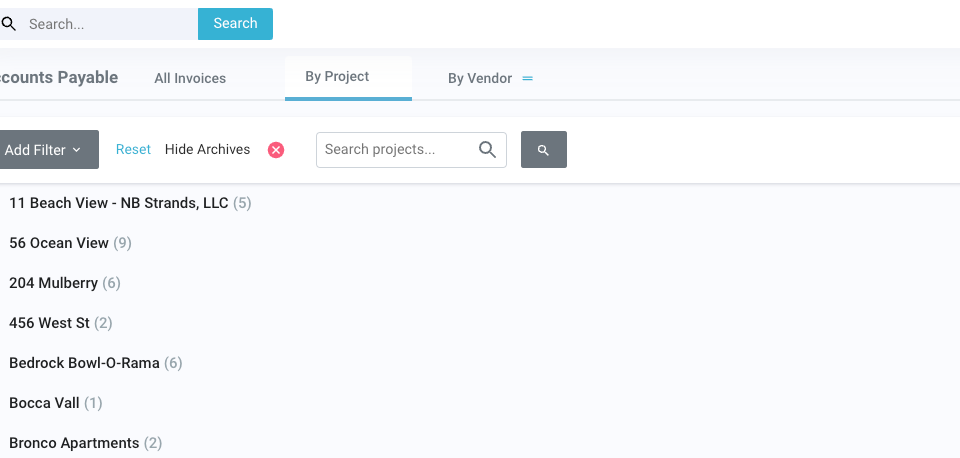
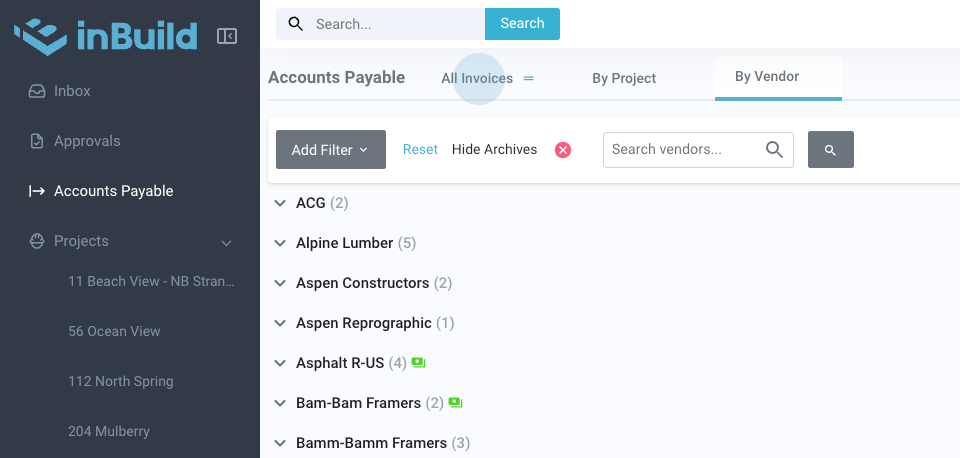
Step 2: Rearrange the selection according to preference. The default selection is already set.
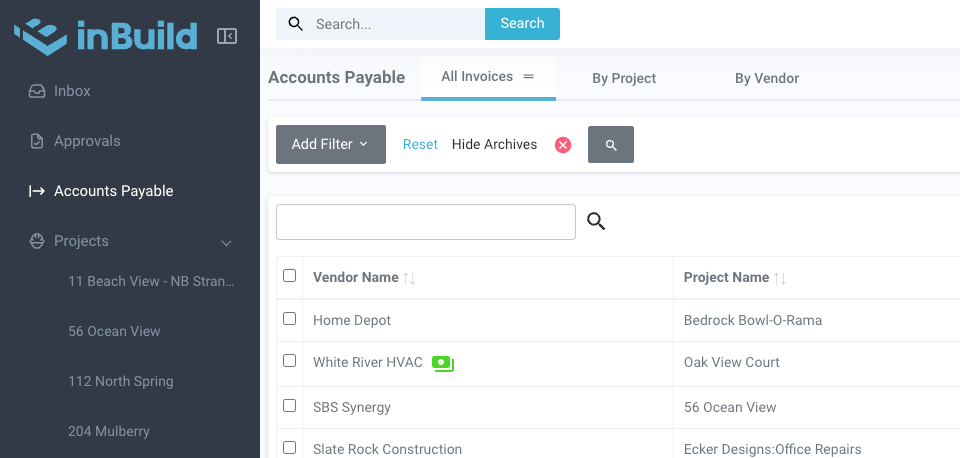
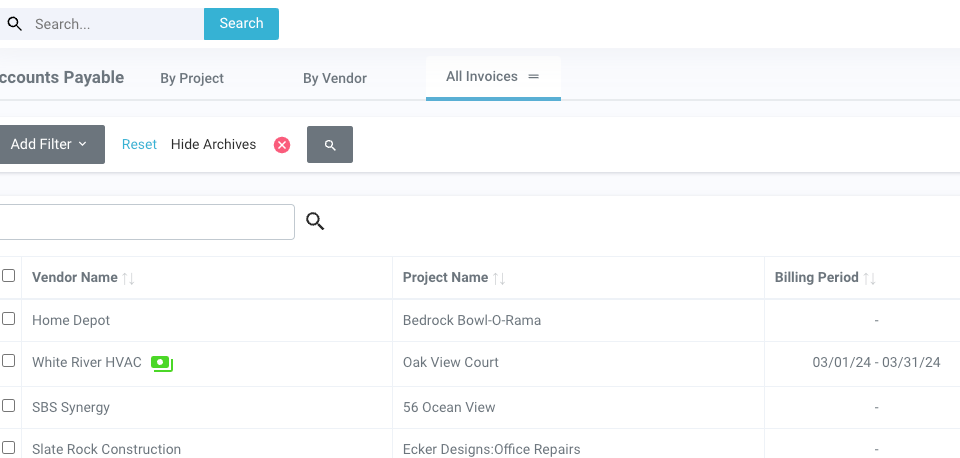
Step 3: In the 'All Invoices' section, use the filter system. Today, we're filtering by status.
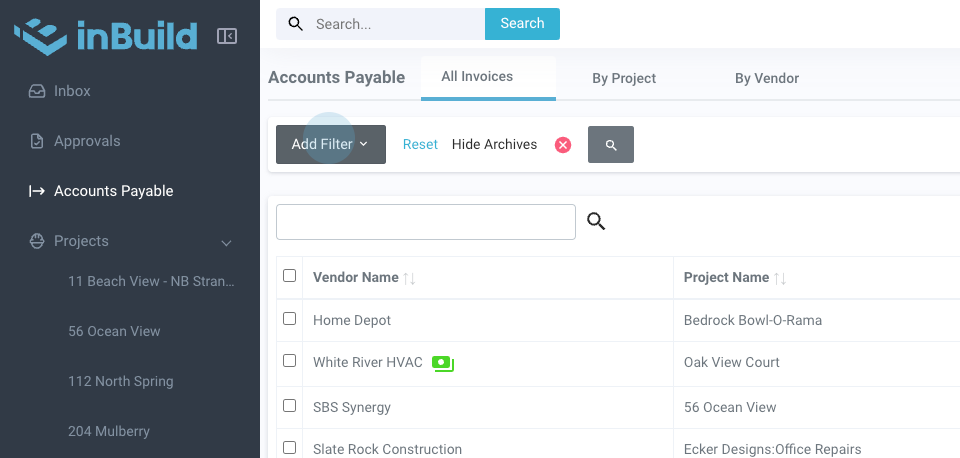
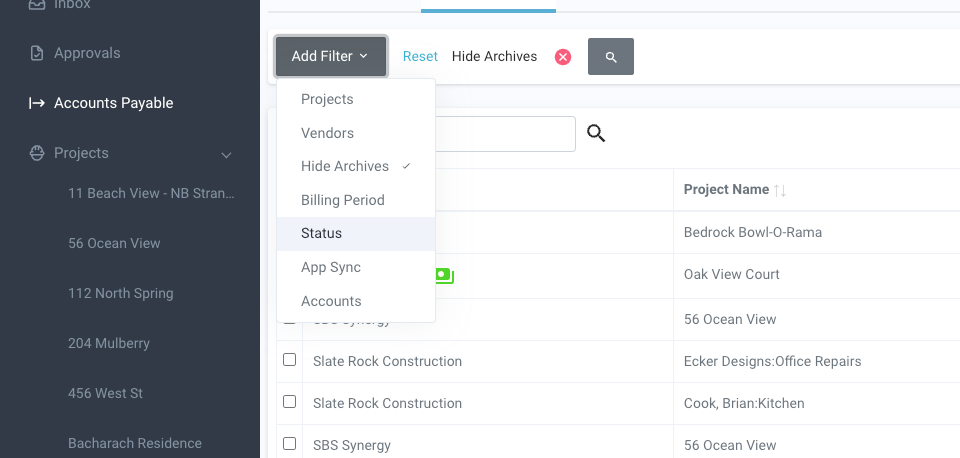
Step 4: Notice that the archives are hidden. Remove the archive hidden feature to view all invoices.
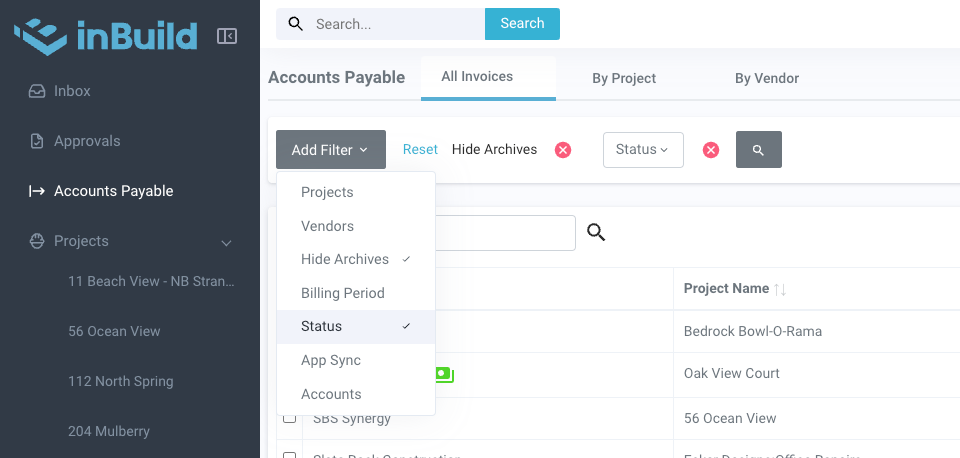
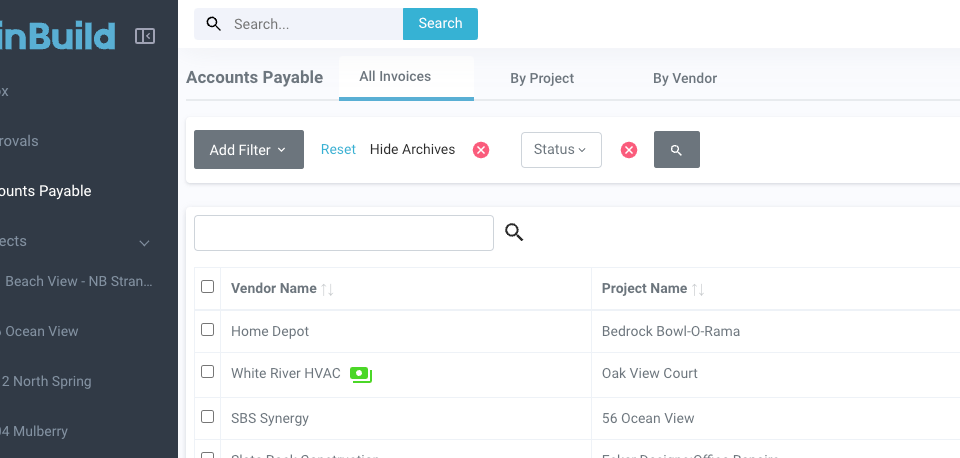
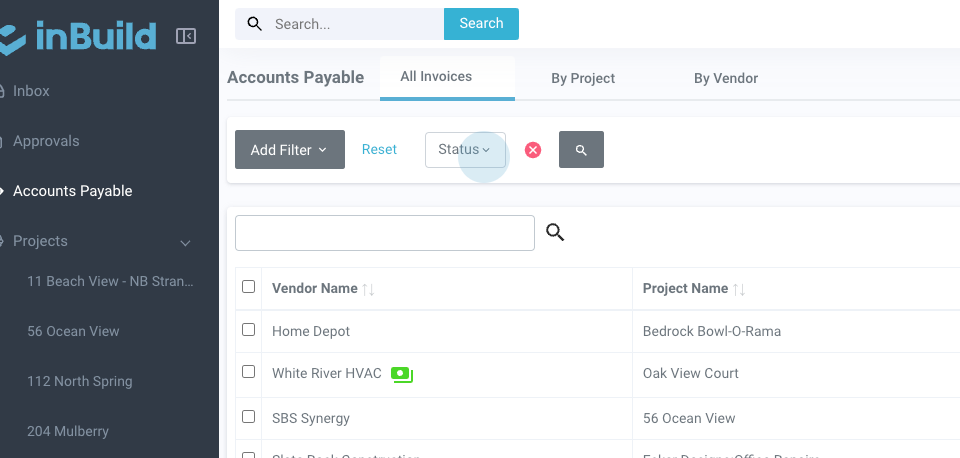
Step 5: Select the status to view approved invoices.
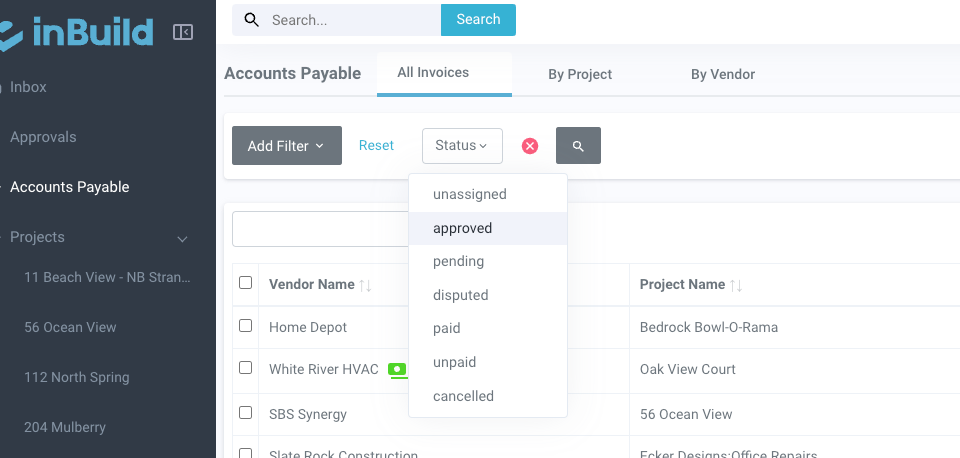
Step 6: Now, view all the approved invoices.
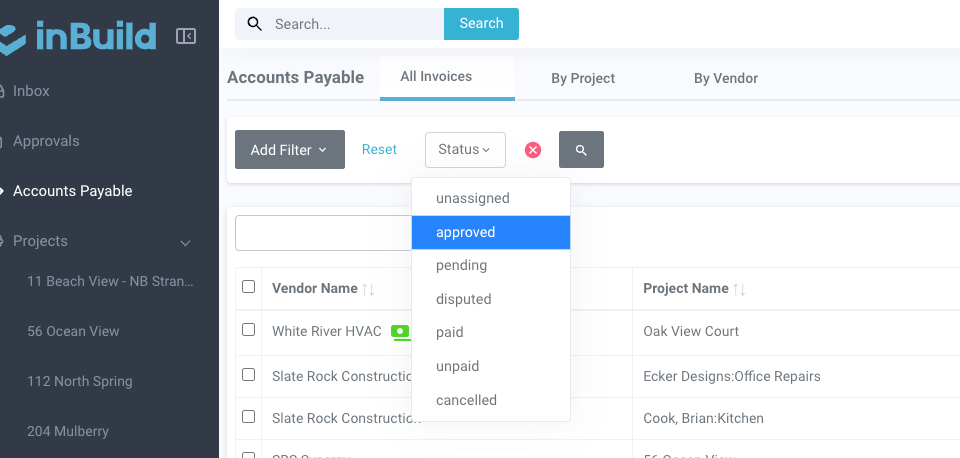
That is how you find an invoice in accounts payable. Feel free to reach out if there are any questions.